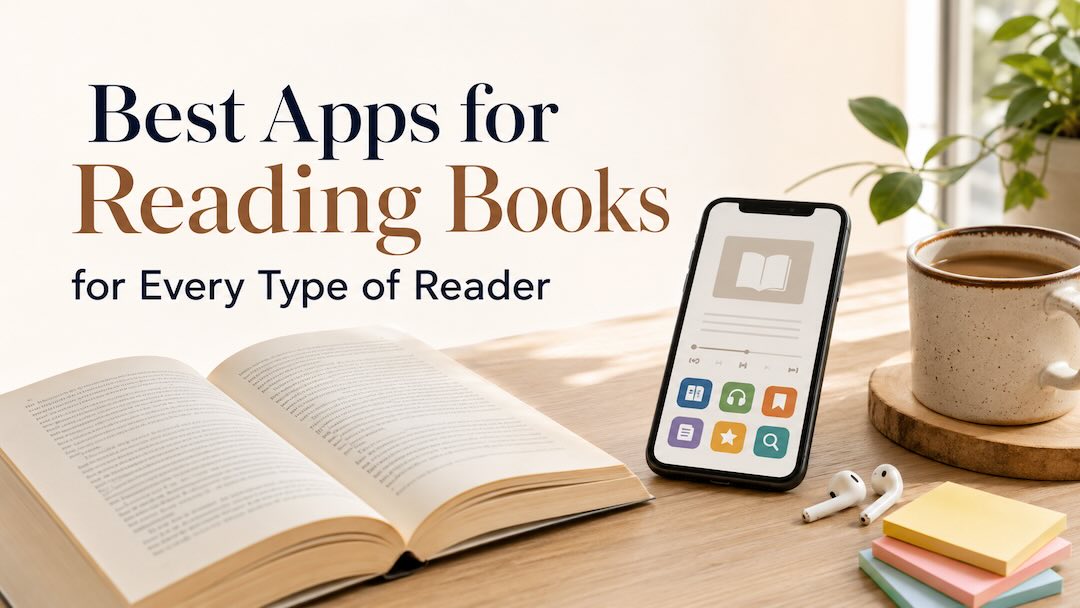
Readers now move between print, ebooks, digital summaries, and audiobooks, depending on the day. Print still reached more readers than either ebooks or audiobooks, so digital formats have expanded the available choices without displacing paper.
The best apps for reading books are tailored to different reading habits. Some sell full ebooks, and some connect to public libraries. Others can track reading or condense nonfiction. For example, if you are trying to find ways to catalog what you finish or care more about reviews and book discussions, you may also want to explore dedicated Goodreads alternatives. There is no single app that solves every reader’s needs, so finding your match means looking at how you actually spend your time.
Let’s now compare the options below to find one that fits your preferred format and available reading time!
1. Headway App: Learning Key Ideas During Short Breaks
Headway suits readers who want the main ideas from nonfiction books before committing to a full edition. Its library contains more than 2,500+ text and audio summaries, with most taking around 12 to 20 minutes. Topics include psychology, productivity, art, finance, communication, business, health, relationships, and more.
The app creates a personal plan after an onboarding quiz and recommends material based on the user’s interests. Also, Apple lists Headway as an Editor’s Choice app and mentions its personalized feed, flashcards, challenges, and audio mode. It can also be useful when comparing audiobooks vs. reading, since each summary is available in both formats. Useful features include:
- Text and audio summaries from a library of 2,500+ nonfiction titles
- Saved highlights and spaced-repetition cards for later review
- Interactive Shorts based on choices in everyday situations
- Listening through Apple CarPlay and Android Auto
Headway gives you a compact explanation of a book’s central argument. A summary can show whether the full book deserves more hours of your time. It is also ranked 4th on TIME’s World’s Top EdTech Companies list, and is trusted by over 55+ million users worldwide according to the platform. It helps you to quickly evaluate a book’s core arguments before deciding to purchase the full-length edition.
2. Kindle: Reading Ebooks Across Your Devices
Amazon Kindle is available as both a physical e-reader and a free reading app. You can install the Kindle app on iOS and Android phones or tablets, as well as Windows and Mac computers, so owning a Kindle device is not required.
The app keeps your reading position, bookmarks, highlights, and notes synced across supported devices. Kindle for Web also lets you open your Kindle library through a mobile or desktop browser.
Amazon’s Kindle app remains a massive cornerstone for anyone serious about digital reading, and when looking for the best apps for books, it acts as a direct extension of the ecosystem. It is functioning perfectly on standalone smartphones and tablets. It serves the traditional long-form reader who wants an absolute guarantee that they can buy almost any title in existence and open it instantly. The app handles proprietary Amazon formats alongside standard ePub files that you manually send to your account.
3. Libby: Borrowing Library Books Without Buying Them
Public libraries have undergone a massive digital transformation, and Libby is the exact tool that unlocked their potential for the smartphone age. Built by OverDrive, this app connects directly to your local public library card, allowing you to check out digital materials completely free of charge. You can simply tap into the shared collection funded by your community.
The borrowing experience closely mimics a physical library system. Digital books and audiobooks have specific checkout windows, and popular new releases often require you to join a waiting list. Once your hold becomes available, the book downloads instantly to the app for offline reading, or you can choose to send it directly to your Kindle account. It is an extraordinary resource for high-volume readers who want a cost-effective way to support local library systems while enjoying modern digital conveniences like custom bookmarks and intuitive accessibility settings for larger fonts.
4. Audible: Listening During Commutes and Daily Tasks
Audio narration turns completely dead time into immersive storytelling experiences. Audible stands out as a titan in this space, especially for individuals who find themselves looking for the best apps for audio books to fill their daily commutes or long hours spent doing physical tasks. The service operates primarily on a monthly membership model that grants credits toward permanent book ownership, alongside access to a massive streaming catalog of podcasts and originals.
The actual listening experience is incredibly refined. The production quality of their audiobooks is consistently excellent, often featuring full cast performances or celebrated authors narrating their own memoirs. You can also choose a premium subscription to access their amazing, wide library of options. Within the interface, you can fine-tune your playback speed and set precise sleep timers so you don’t lose your place if you drift off at night. It fits perfectly into active lifestyles, transforming ordinary routines like walking the dog into opportunities to dive deep into epic histories.
5. StoryGraph: Organize Your Reading With Detailed Statistics
For some book lovers, tracking and understanding personal reading habits is just as exciting as the act of reading itself. StoryGraph was built explicitly to serve this analytical mindset, quickly becoming one of the best apps to track books read throughout the year
Therefore, StoryGraph records reading progress and turns the information into charts. Readers can review pages completed, moods, ratings, and changes in their habits over time. Its filters also narrow recommendations by topic, genre, and more.
Most StoryGraph features are free, with an optional Plus plan. Users moving from Goodreads can import their read, currently reading, to-read, and did-not-finish shelves. StoryGraph is particularly useful when a reading goal involves more than counting books. For example, its charts can show whether you have mainly read short thrillers, long historical novels, or nonfiction over a chosen period. Tracking strengths:
- Granular mood breakdowns (such as reflective, dark, emotional tracking)
- Comprehensive visual charts detailing your genre distribution over custom timeframes
- Page-count metrics alongside specific reading speed analysis
- Community-driven reading challenges and highly customized yearly targets
6. Google Play Books: Buy Individual Books Without a Subscription
Google Play Books provides an exceptional, low-pressure environment for anyone who wants to buy digital titles occasionally without committing to a recurring monthly subscription fee. It operates purely as a marketplace and a highly capable cloud storage locker for your own personal document collection.
A massive standout feature here is how it handles user-uploaded content. You can upload large collections of your own PDFs and ePubs directly to Google’s servers for free, allowing you to use their cross-device syncing interface for your own documents or open-source books. The notes you take and the text you highlight can automatically sync directly into a Google Doc, making it an incredibly powerful tool for researchers or anyone managing an independent digital document archive.
Find the Best Apps for Reading Books That Match Your Reading Style
Ultimately, finding the best apps for reading books comes down to identifying how you actually interact with literature on a weekly basis. You might find that your habits shift depending on the season. Perhaps you rely on borrowing library ebooks during quiet months or use concise non-fiction summaries to pick up new professional skills during your lunch breaks.
Every single platform highlighted here approaches the written word from a different perspective to match those exact lifestyle shifts. You can pick just one or two options that align with your current routine, and test them out for a few weeks. Just let your natural habits decide which one deserves a permanent spot on your home screen!
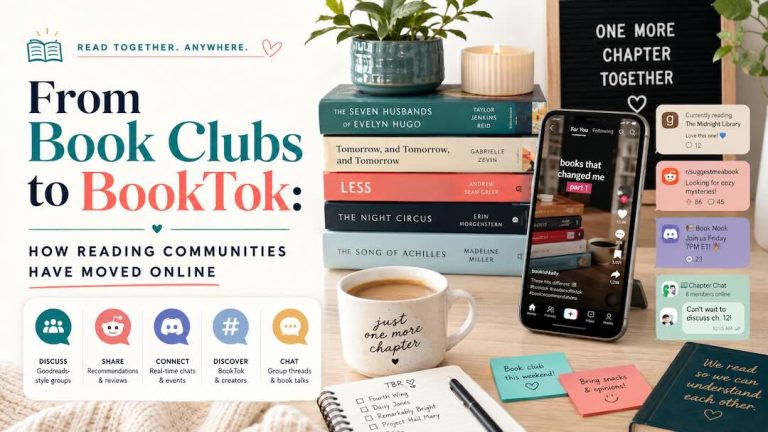
You might also like: The apps are only half the story. From Book Clubs to BookTok traces how the conversation itself moved out of living rooms and onto Goodreads, Discord and BookTok.